
Safety first: These guides cover simple homeowner checks only. Stop and call a qualified technician for gas odors, burning smells, repeated breaker trips, refrigerant work, or equipment disassembly.
If the Screen Is Blank
Replace batteries if the thermostat uses them. Check the HVAC breaker and the nearby equipment switch. Some systems shut down when a condensate safety switch detects backed-up water, so a blank screen can point to a drainage problem rather than the thermostat itself.
If the Temperature Seems Wrong
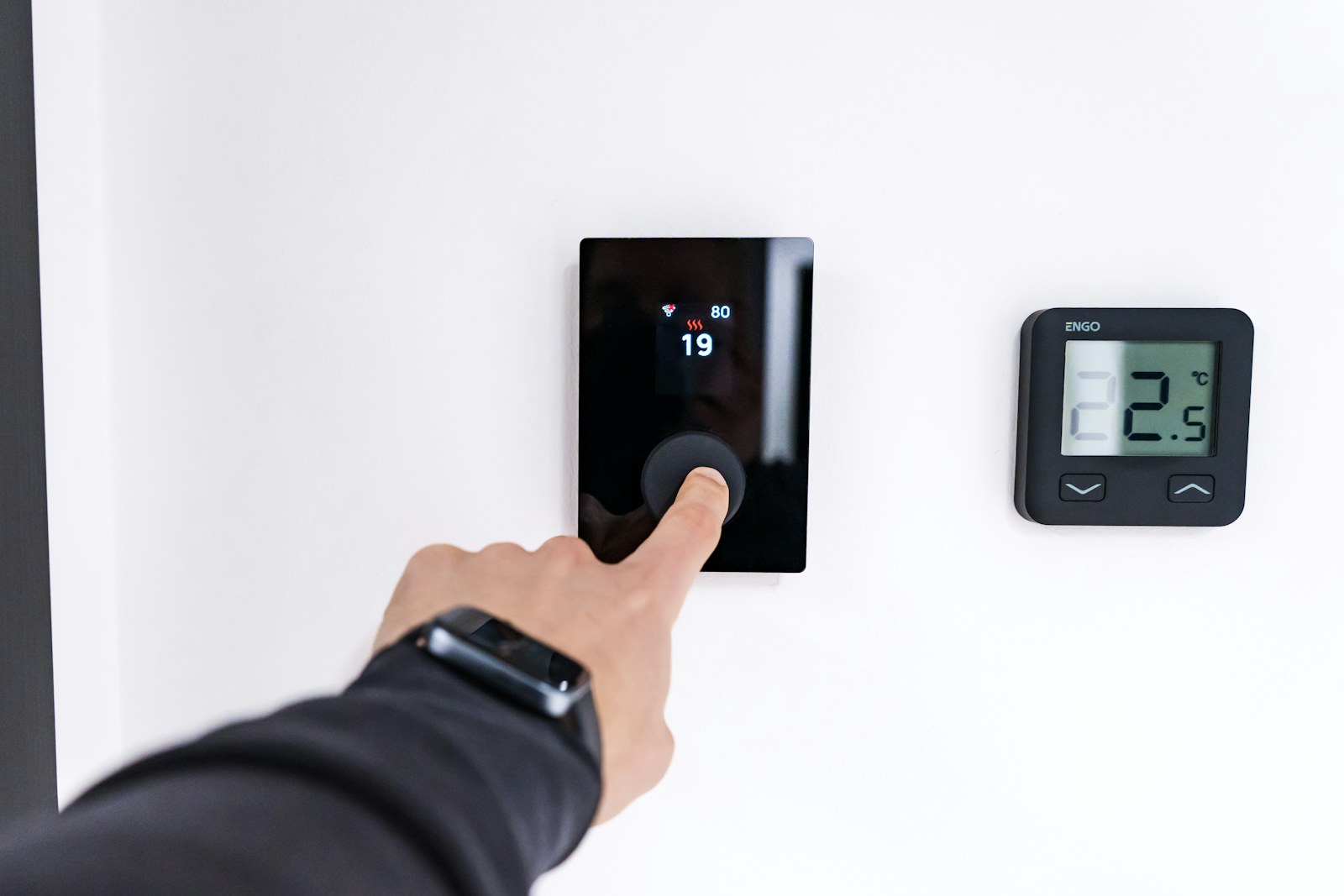
Keep lamps, televisions, sunlight, supply-air drafts, and exterior-door drafts away from the thermostat. Dust can affect some older models. Compare the reading with a reliable thermometer placed nearby, allowing time for both to stabilize.
If the System Will Not Start
Confirm Heat or Cool mode, set the target beyond room temperature, and wait several minutes for built-in equipment delays. Make sure scheduled setbacks or smart-home automations are not overriding the setting.
Compatibility Matters
Smart thermostats may need a common wire and must be configured for the exact equipment type, stages, and backup heat. Incorrect setup can cause short cycling, poor comfort, or inefficient auxiliary heat use. When in doubt, have wiring and configuration verified.
Common Questions
Frequently Asked Questions
Why does my thermostat say cooling but nothing runs?
A built-in delay may be active, or the system may have lost power, opened a safety switch, or developed an equipment fault.
Can thermostat location affect comfort?
Yes. Sun, drafts, appliances, and isolated hallways can make the reading unrepresentative of occupied rooms.